If you woke up to news that StellarWP is being dissolved as a brand, you probably have questions.
Back in 2021, hosting company Liquid Web (the same parent that owns Nexcess) launched StellarWP as an umbrella brand to bring together a growing portfolio of WordPress plugins it had been acquiring since 2020.
Over the years, that lineup came to include some of the most recognized names in the ecosystem: GiveWP, LearnDash, SolidWP (formerly iThemes), and more. Each had its own community, support team, and product roadmap.
This week, their parent company Liquid Web (Nexcess) confirmed that those independent brands are being consolidated into a smaller set of products under the Liquid Web Software umbrella.
Since the announcement, many WPBeginner readers have emailed us asking what this means for their sites, whether their licenses still work, and which alternatives we’d recommend. So we put together this guide to lay out exactly what’s changing, what it means for your site, and what your options are if you decide to move on.

What Liquid Web Actually Announced
In their official announcement, Liquid Web confirmed that they’re reorganizing the StellarWP portfolio around four core products: Kadence, LearnDash, The Events Calendar, and Give.
Here’s what that means in practice:
| Brand You Knew | What It’s Becoming |
|---|---|
| 1. SolidWP (Security & Backup) | Folded into Kadence Security |
| 2. IconicWP (WooCommerce add-ons) | Folded into Kadence Shop Kit |
| 3. Restrict Content Pro (Memberships) | Folded into Kadence Memberships |
| 4. MemberDash (LMS Memberships) | Absorbed into LearnDash |
| 5. GiveWP | Rebranded as Give under Liquid Web |
| 6. LearnDash | Continues as a Liquid Web core offering |
| 7. The Events Calendar | Continues as a Liquid Web core offering |
| 8. Kadence | Expanded into the new flagship suite |
Liquid Web has been clear that this is not a forced migration. From their announcement:
“Your current plan, pricing, and tools remain the same unless you choose to upgrade. This is a new option for customers who want more, not a forced migration.”
They’ve also committed to continuing development on the features existing customers rely on (legacy plans aren’t being frozen) and keeping everything self-hosted (your hosting setup doesn’t change). They also plan to provide critical security patches through April 2027 for the brands being absorbed.
There is, however, one important caveat in the announcement: “If your subscription lapses, you’ll need to purchase one of the new software plans to reinstate access.”
In other words, your legacy pricing is protected only as long as you keep renewing. If you miss a renewal for any reason, you can’t reactivate your old plan, and you’ll be required to purchase a new Liquid Web Software plan at current pricing.
If you’re a current customer, the single most important thing to do today is confirm auto-renew is enabled on your account.
So if you’re a current customer, nothing breaks tomorrow. But the road ahead is worth thinking about now, while you have time to plan rather than react.
What This Means for Your Site
We’ve been around this industry long enough to know that when a brand gets absorbed into a parent product, a few things tend to happen over time, even when the parent company has the best intentions:
1. Roadmap priority shifts. Products like SolidWP and IconicWP were built and championed by their original founders. Once they become a “module” inside a larger suite, the feature development typically slows. The new roadmap belongs to the parent brand, not the original product.
2. Support and community change. The dedicated forums, Slack groups, and founder-level responsiveness that long-time users counted on often get turned into a generic support queue.
3. Pricing leverage shifts to the new plans. Liquid Web has confirmed legacy pricing applies as long as you keep renewing. The catch we flagged above… that a lapsed subscription forces you onto a new plan at current rates. That means renewals are no longer fully in your control. And over time, bundled offerings tend to nudge existing customers toward higher-tier plans.
None of this is a prediction. It’s a pattern we’ve watched play out across many WordPress acquisitions over the past decade.
If you’re a happy customer and your site is running smoothly, then you don’t need to do anything right now. Your license still works, and updates are still coming.
But if you’ve been thinking about switching, or if this news has made you worried about the long-term direction of these tools, this is a reasonable moment to look at alternatives.
If You’re Switching: Here Are the Alternatives We Trust
We’ve been recommending and using WordPress plugins at WPBeginner for over 17 years. Below are the alternatives we trust for each affected category.
For Donations & Fundraising: Use Charitable Instead of GiveWP

If you run a nonprofit, church, school, or any kind of donation campaign on WordPress, then Charitable is what we’d point you toward.
It’s the most popular donation plugin for WordPress that isn’t owned by a hosting giant, and the team behind it has been laser-focused on serving nonprofits for over a decade.
With Charitable, you get unlimited donations, recurring giving, peer-to-peer fundraising, fee recovery, Stripe and PayPal integration, and beautiful campaign pages out of the box.
The team also built a one-click GiveWP importer specifically to make this transition easy. You can move your donors, donations, and campaigns over without rebuilding from scratch.
Just remember to double-check your Stripe or PayPal webhook connections after importing to make sure your recurring donations continue without any hiccups.
For a full side-by-side breakdown of other options, see our roundup of the best WordPress donation plugins.
For Online Courses & Memberships: Use MemberPress Instead of LearnDash & MemberDash
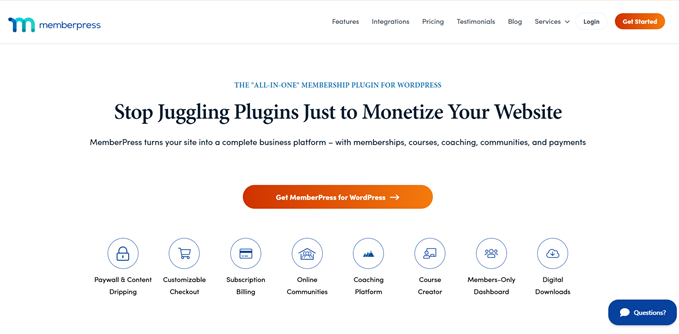
If you sell courses, run a coaching business, or manage paid communities, then MemberPress is the most complete alternative on the market.
What used to require two products (LearnDash for courses + MemberDash for membership wrappers) is built into MemberPress as a single integrated system.
You get a full learning management system (LMS) with quizzes, certificates, and drip content, plus native support for memberships, coaching programs, community features, and digital downloads.
The migration path is also easy. Thousands of course creators have moved from LearnDash to MemberPress.
If you’d like to compare other options, our guide to the best WordPress LMS plugins covers all of our recommendations.
For Gated Content: Use MemberPress vs Restrict Content Pro
For pure membership and content restriction (paywalls, member-only content, gated resources, subscription billing), MemberPress is again our top pick.
It was built from the ground up for this use case, and the depth of restriction rules, payment gateway support, and member management features goes well beyond what RCP offered.
We’ve also compared the best WordPress membership plugins side by side if you’d like to evaluate other options first.
For Popups & Optins: Use OptinMonster Instead of Kadence Conversions
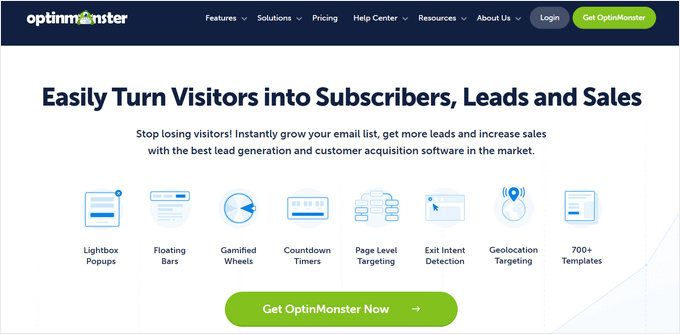
If you’ve been using Kadence Conversions for popups, optin forms, or on-site marketing campaigns, then OptinMonster is our recommended alternative.
It’s the most widely used conversion optimization tool in the WordPress ecosystem, with A/B testing, exit-intent detection, advanced targeting rules, and dozens of campaign types built in. That level of depth is hard to match from a bundled theme addon.
If you’d like to compare other options, just see our roundup of the best WordPress popup plugins.
For Backups & Migration: Use Duplicator Instead of SolidWP
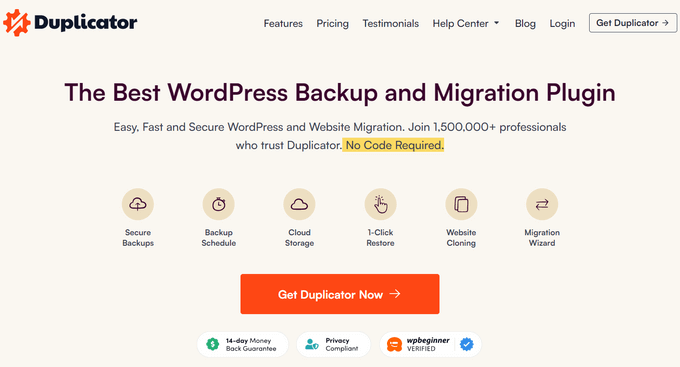
For backups, migrations, and disaster recovery, Duplicator is the plugin we trust on every WPBeginner-managed site.
It’s one of the most popular backup and migration solutions in the WordPress ecosystem, with over 1.5 million active installs. The Pro version includes scheduled cloud backups (Google Drive, Dropbox, Amazon S3, OneDrive) and one-click site migrations… features that SolidWP customers paid extra for in the past.
If you bought into SolidWP’s bundle for the combined backup-and-security experience, then Duplicator handles the backup side perfectly. For security specifically, we’d pair it with a dedicated security plugin like Sucuri or Wordfence rather than a bundled tool.
In our experience, specialized solutions outperform combined suites here. Our Wordfence vs. Sucuri comparison is a good place to start if you want to learn more.
For deeper comparisons, see our roundup of the best WordPress backup plugins and the best WordPress security plugins.
For Event Calendars: Use Sugar Calendar Instead of The Events Calendar
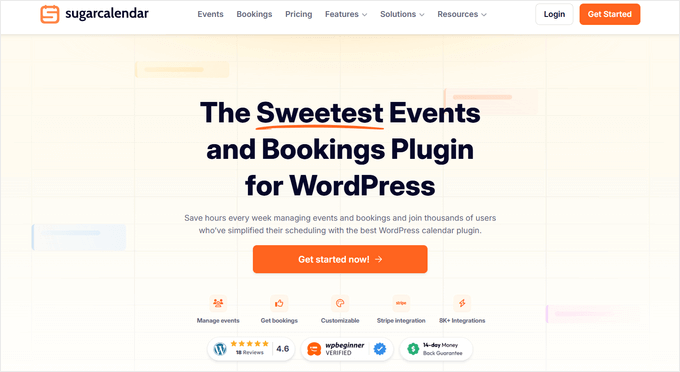
If you run a venue, host workshops, manage church or school events, or simply need a clean event calendar on your site, then Sugar Calendar is a great lightweight option.
It’s trusted by event organizers on over 10,000 sites and was built specifically because the team felt The Events Calendar had become bloated and slow over the years.
You get recurring events, ticket sales, Zoom integration, calendar feeds, and elegant front-end displays without the performance hit.
For most small to mid-sized organizations, Sugar Calendar is faster, easier to use, and significantly cheaper.
We’ve also written a beginner-friendly tutorial on how to create a simple event calendar with Sugar Calendar, plus a roundup of the best WordPress event plugins if you want to compare options.
For WooCommerce Add-ons: Use Merchant Instead of IconicWP / Kadence
Shop Kit
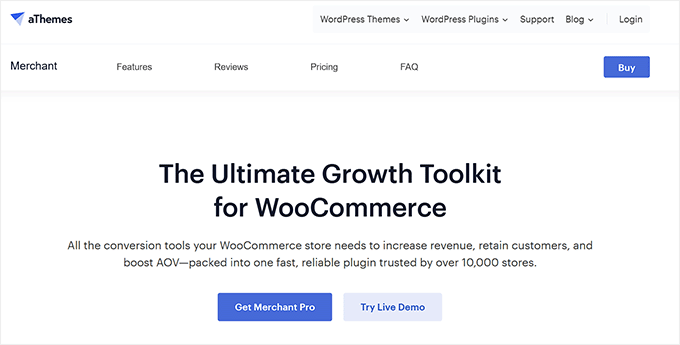
WooCommerce store owners who relied on IconicWP’s product variation swatches, quick views, delivery date pickers, and other UX add-ons have a strong alternative in Merchant from aThemes.
Merchant bundles 40+ WooCommerce conversion modules, including variation swatches, sticky add-to-cart, buy now buttons, size charts, pre-orders, frequently bought together, and more into a single plugin.
Most of the IconicWP features you depended on are covered in the free version, with the pro modules priced well below what an IconicWP stack used to cost.
There’s also a free version of Merchant that includes 16+ WooCommerce modules for you to try out.
For Your Theme: Use Sydney or Botiga Instead of Kadence
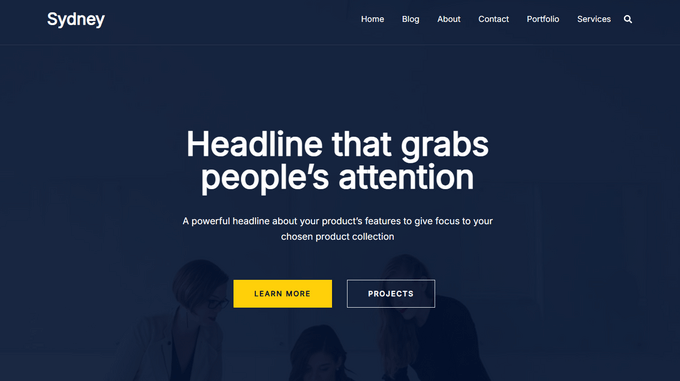
If you’ve been using the Kadence theme and want to explore alternatives outside of the Liquid Web ecosystem, aThemes offers two excellent options:
- Sydney: a flexible, fast-loading multipurpose theme great for business and agency sites
- Botiga: a modern WooCommerce-optimized theme built specifically for online stores
Both are actively maintained by an independent team, and both pair well with the Merchant plugin mentioned above.
If you’d like to compare more options, see our roundups of the best WordPress business themes and the fastest WooCommerce themes.
Final Thoughts
We know change like this is frustrating, especially when it affects tools that you’ve built your business or organization around.
The good news is you have time and options. Plus, the WordPress ecosystem still has excellent independent alternatives for every category affected by this consolidation.
If there’s one lesson we’ve taken from watching acquisitions play out over the past decade, it’s this: the best long-term bet is to choose plugins built by small, focused teams who care about their product because it’s the main thing they do — not one of many things they happen to own.
That’s why we’ll keep recommending Charitable, MemberPress, OptinMonster, Duplicator, Sugar Calendar, aThemes, and the other products listed above. These are tools built by people who answer their own support emails and plan to still be doing this in years to come.
Whatever you decide, the most important thing is choosing a tool that aligns with how you want to run your site for the next 5–10 years… not just the next two.
Frequently Asked Questions About StellarWP & Liquid Web
Since the news broke, our team has received a lot of messages from readers looking for clarity.
To help you out, we’ve compiled answers to the most common questions about the StellarWP and Liquid Web consolidation below.
Will my existing GiveWP, LearnDash, SolidWP, or RCP license still work after the Liquid Web consolidation?
Yes. Liquid Web has confirmed that existing plans, pricing, and tools remain the same as long as your subscription stays active. However, if your subscription lapses for any reason, you lose your legacy pricing and will need to purchase a new Liquid Web Software plan to regain access. Make sure auto-renew is enabled on your account.
What happens if I miss my renewal date for a legacy StellarWP plugin?
Your legacy pricing is gone. Liquid Web’s announcement is explicit: “If your subscription lapses, you’ll need to purchase one of the new software plans to reinstate access.” You can’t simply reactivate your old plan at the old price. If you’re a current customer, check your account settings now and confirm auto-renew is on.
How long will security updates continue for the retired StellarWP products?
Liquid Web has committed to critical security patches through April 2027 for the brands being absorbed (SolidWP, IconicWP, RCP, MemberDash). After that date, your situation will depend on whether you’ve migrated to the new Kadence-branded equivalent or to an alternative.
Is GiveWP being shut down completely following the Liquid Web acquisition?
No. GiveWP is being rebranded as Give and remains one of the four core Liquid Web offerings. However, the standalone brand identity is going away. Marketing, packaging, and the roadmap will now sit under Liquid Web rather than the original GiveWP team.
Can I migrate my GiveWP donations to Charitable?
Yes. Charitable offers a built-in GiveWP importer that brings over your donors, donation history, and campaigns. Most users complete the migration in under an hour.
Can I migrate from LearnDash to MemberPress?
Yes. There are detailed migration guides for moving courses, lessons, quizzes, and student progress from LearnDash to MemberPress. We recommend testing the migration on a staging site first.
What about The Events Calendar… should I switch after the Liquid Web reorganization?
The Events Calendar is one of the four products Liquid Web is keeping as a flagship offering, so it’s less affected than the absorbed brands. If you’re happy with it, there’s no urgent reason to switch. If you’ve found it bloated or slow, Sugar Calendar is the alternative we’d point you toward. You can also browse our list of the best WordPress calendar plugins.
Are there any alternatives that replace Kadence Security (formerly SolidWP) specifically?
For security specifically (firewall, malware scanning, login protection), we recommend pairing Duplicator with a dedicated security plugin. See our roundup of the best WordPress firewall plugins for trusted options. If you also need to track user changes like SolidWP did, you can easily add a dedicated WordPress activity log plugin to your setup.
If you liked this article, then please subscribe to our YouTube Channel for WordPress video tutorials. You can also find us on Twitter and Facebook.
The post StellarWP Is No More: What’s Changing for GiveWP, LearnDash, SolidWP, and Your Site first appeared on WPBeginner.