When you’re running a blog, the theme underneath it should do two things at once: get out of your way while you’re writing, and give you room to make the site look like yours instead of looking like a template. Starting a blog today is much different from it was a decade and a half ago. As such, you want to make sure you enjoy every stage of it and can do exactly what you want with it.
The WordPress theme conversation in 2026 has a lot of noise in it about lightweight themes, block themes, and Full Site Editing being the “correct” direction for a simple blog, with page builders framed as unnecessary. Some of that is fair, some of it is dated. The right answer depends on whether you want a blog that’s fast to launch and looks like a templated site, or one with an identity that’s actually yours.
I’ve built blogs for myself and others using every theme in this list. The list below reflects what each one is actually good at. I hope that helps you choose something that works well for you and gives you ample room to put the time needed to make a blog a success today.
Best WordPress Themes for Bloggers
1. Divi 5
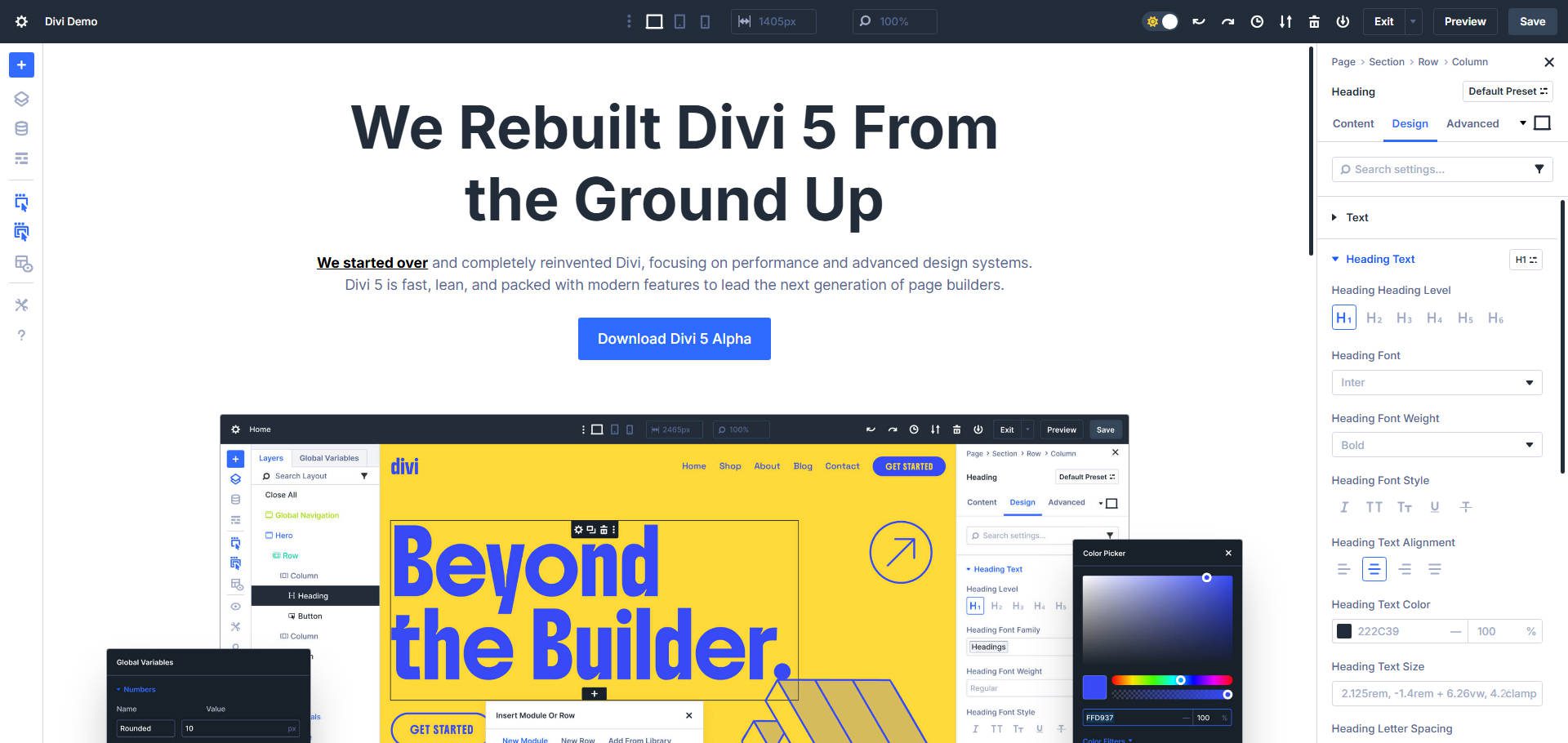
Divi is a WordPress theme and a full visual builder in one, and Divi 5 is a ground-up rebuild of both. If you want your blog to look like a template you picked, most themes on this list will get you there faster. If you want it to look like nobody else’s, Divi is built for that instead.
The rebuild matters here specifically because of the old bloat argument — Divi 5’s architecture was rebuilt from the ground up around a leaner editing engine and cleaner front-end output, built for exactly for well-designed and performant blogs.
Loop Builder is the feature that matters most for a blog specifically. It lets you build fully dynamic, code-free post displays filtered by category, author, tag, or custom post type — your homepage feed, a category archive, an author page, a related-posts block at the end of every article. This used to require either a rigid default template or a separate plugin. Now it’s a visual setting.
Divi 5 also just shipped a visual CSS Grid editor, and it’s worth calling out because it makes something that is fairly hard to build dead easy. You can now drag to resize grid items and set offset rules directly in the builder, and grid layouts work natively with Loop Builder content — meaning a masonry-style blog grid, or a layout where one featured post spans two columns and the rest fall into a uniform grid, is a visual task now instead of a custom-CSS one.
For the part that actually gives a blog its personality, Design Variables and Divi’s preset system handle typography, color, and spacing as reusable, global settings rather than one-off choices you make on every new page or template. Set it once, and every post template, pull quote, and byline stays consistent without you having to remember what you did last time.
Header, footer, and archive templates are handled in the Theme Builder, and if you want a full site scaffolded before you touch a single setting, Divi Quick Sites and Divi AI can get you there in minutes instead of hours.
What Divi Excels At
- Loop Builder for fully dynamic, code-free archives, category pages, and related-post sections
- A visual CSS Grid editor for masonry and featured-post blog layouts without custom CSS
- Design Variables and Presets for a consistent, distinctive look across every page and post template
- Theme Builder for custom headers, footers, and archive templates
- A rebuilt Divi 5 architecture aimed directly at making your site as fast as you deserve
Best For: Bloggers who want their site to look distinctly like theirs, not a recognizable template, and who are willing to spend a little time in the builder to get there (Divi’s AI can also help speed along your vision). Works equally well if you’re running one blog or planning several — the license is good for unlimited sites.
Pricing: $89 per year or $249 lifetime, both covering unlimited sites.
2. Kadence
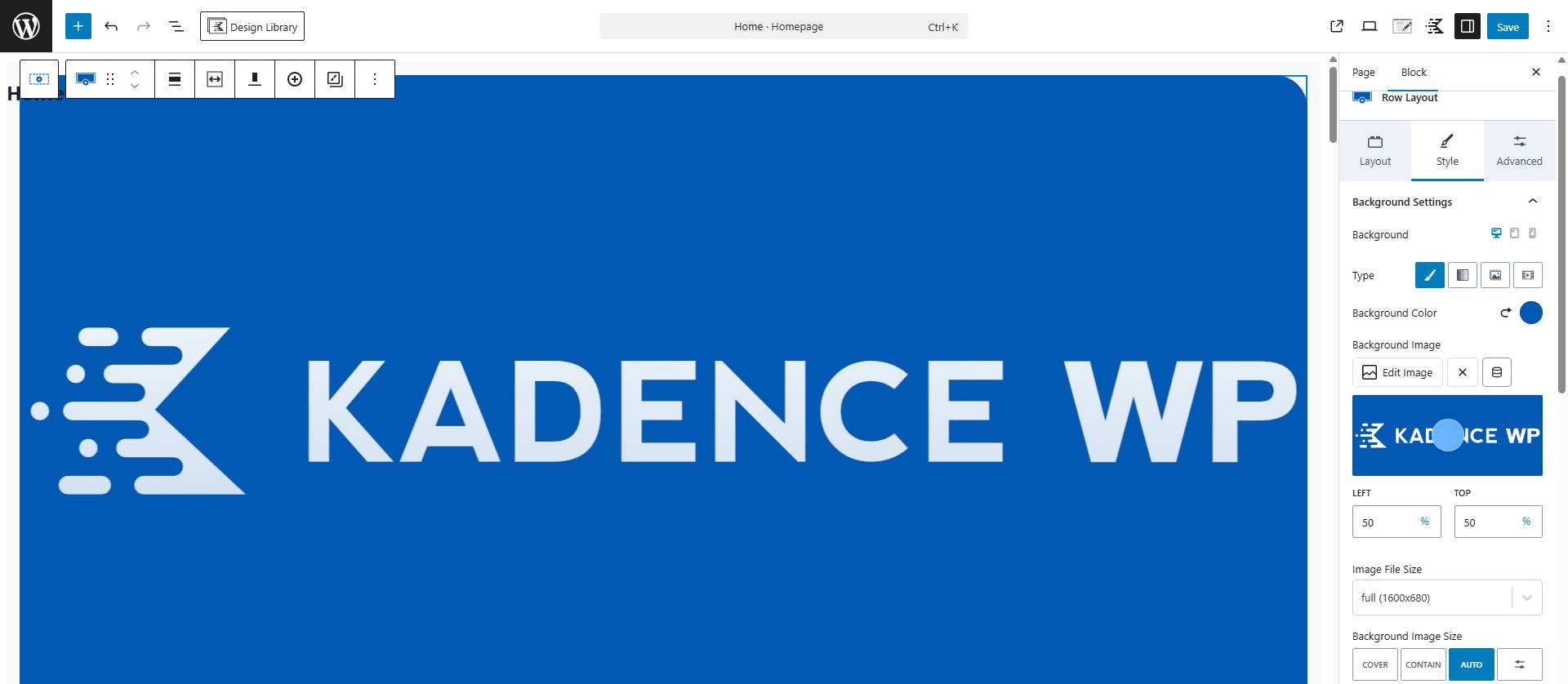
Kadence is the theme to reach for if you want to stay in the native WordPress block editor but need more visual control than the Block Editor provides by default. The drag-and-drop header and footer builder and the global color palette are both available in the free version, which isn’t typical for this category.
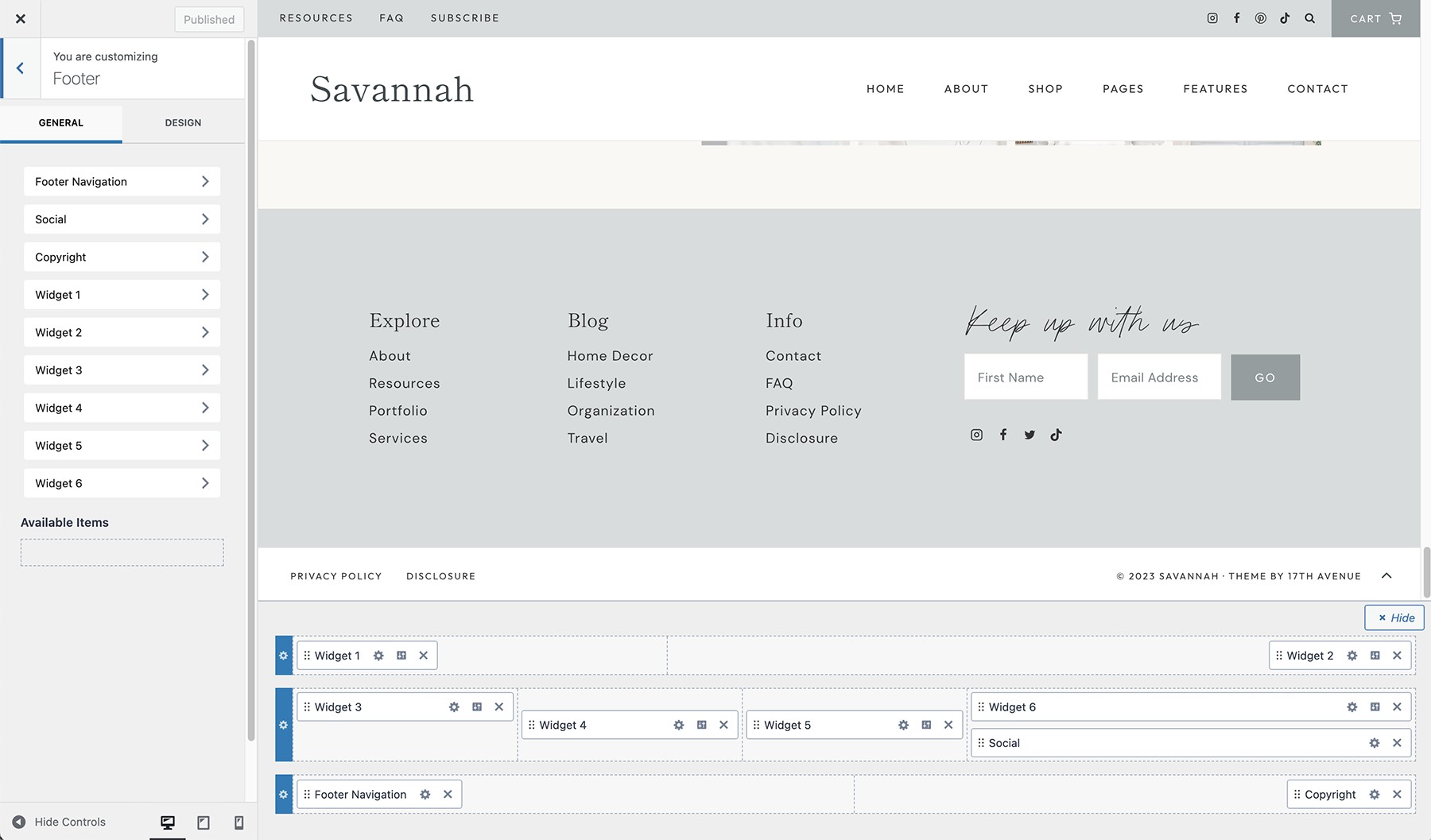
That same Customizer holds a Style Guide for color and typography — set your palette and type scale once, and it carries through every block on the site instead of getting redefined page by page.
Kadence pairs with the Kadence Blocks plugin for a library of pre-designed patterns, so building out post templates and landing pages stays visual. The trade-off is that the deeper you go, the more the block editor itself starts to feel crowded with Kadence’s additions layered on top of it.
What Kadence Excels At
- Visual header and footer builder, included free
- Global color palette and typography controls for site-wide consistency
- A large block pattern library through Kadence Blocks
- Solid free tier — most bloggers can get real mileage before paying anything
Best For: Bloggers who want to stay inside the block editor ecosystem instead of adopting a separate page builder, but still want header, footer, and global style control.
Pricing: Free to start. Paid plans begin around $69 per year for limited templates, though most users end up needing the $169–$299 per year tiers for full access. Not as inexpensive in the long term as Divi can be.
3. Astra
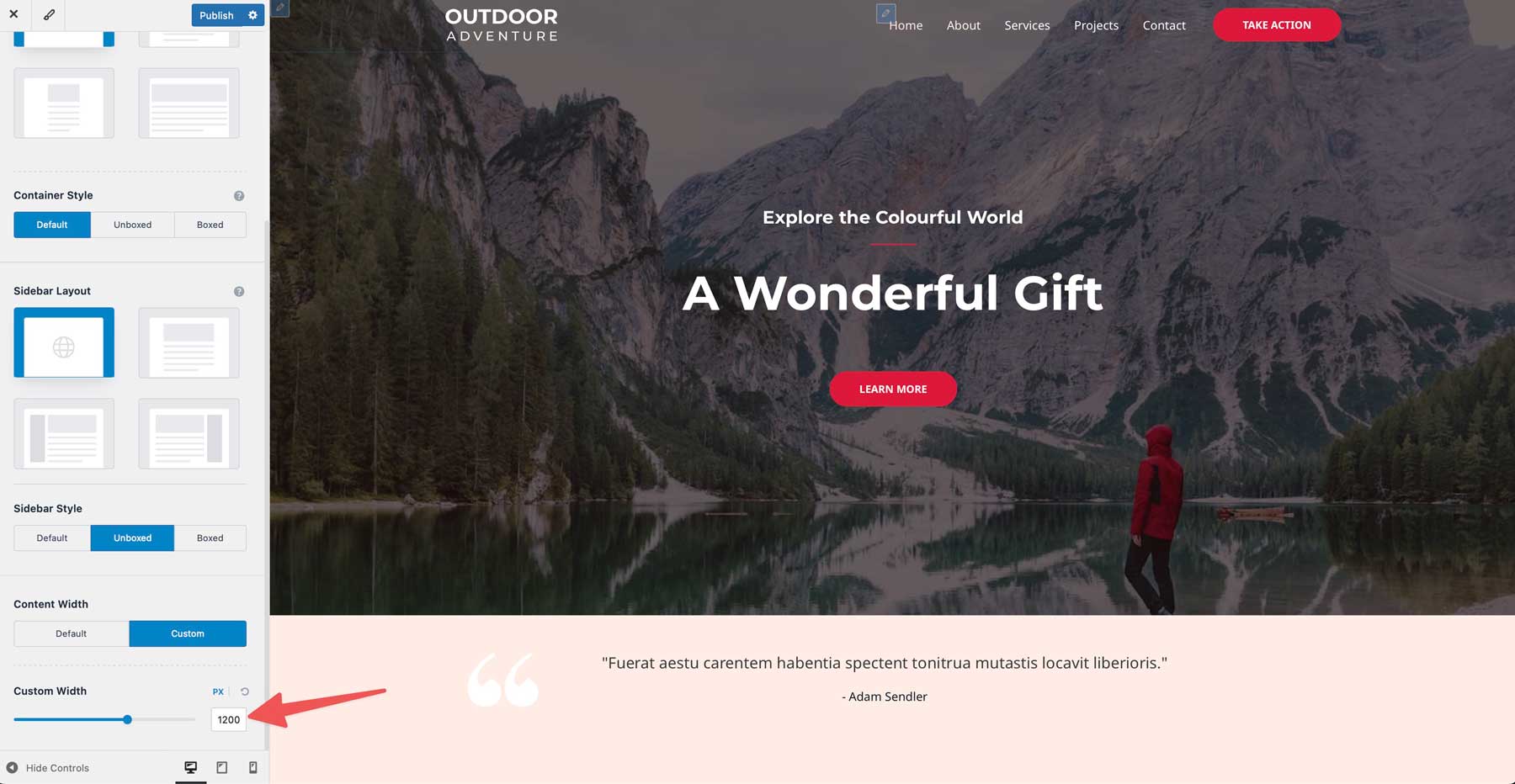
Astra is a blank-slate theme built to be paired with whatever you want to build on top of it — a page builder, a block pattern library, or its own large collection of starter templates. It’s one of the lightest themes on this list by default, which is where its reputation comes from.
The honest caveat: Astra by itself is a skeleton. Real design control still means layering on a page builder or Astra Pro’s deeper Customizer options, which puts you back in the position of managing multiple products to tailor your theme the way you want.
What Astra Excels At
- Very fast default load times and a small footprint
- One of the largest starter template libraries in the category
- Works with various page builders (a plus and minus)
- Self-hosted Google Fonts for easier GDPR compliance
Best For: Bloggers who want the lightest possible starting point and are comfortable choosing a builder or pattern library separately to fill in the design layer.
Pricing: Free version available. Pro starts around $59–69 per year for a single site, with higher bundle and multi-site tiers available. (Confirm current figure before publishing — pricing varies by source.)
4. Blocksy
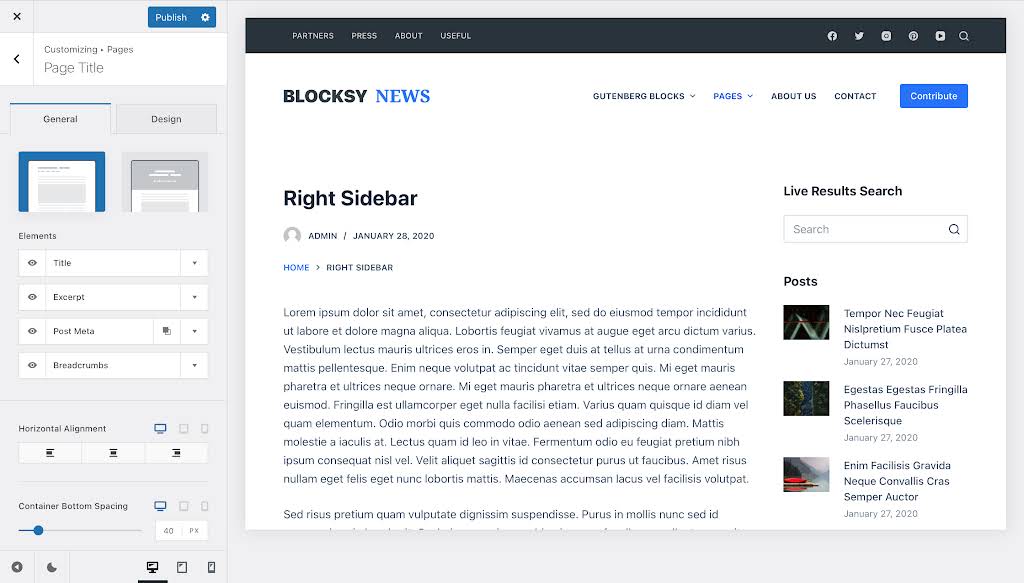
Blocksy is built entirely around the native block editor and is one of the fastest-feeling Customizers on the market — changes apply live, with none of the lag older Customizer-based themes are known for. The built-in header and footer builder means you get Kadence-level layout control without a separate plugin.
It’s become one of the two most-recommended lightweight themes for design-conscious bloggers in 2026, alongside Kadence, and for similar reasons: a generous free tier and a genuinely modern editing experience.
What Blocksy Excels At
- A fast, modern, live-updating Customizer
- Native header and footer builder, no extra plugin required
- Built-in performance touches: lazy loading, schema markup out of the box
- Dark mode and strong WooCommerce support if the blog ever adds a shop
Best For: Bloggers who want a fast, modern editing feel without adopting a separate page-builder plugin, and who don’t need Divi-level custom layout control.
Pricing: Free version available. Pro starts around $69 per year for a single site, with an agency tier around $149 per year for unlimited sites. (Confirm before publishing.)
5. OceanWP
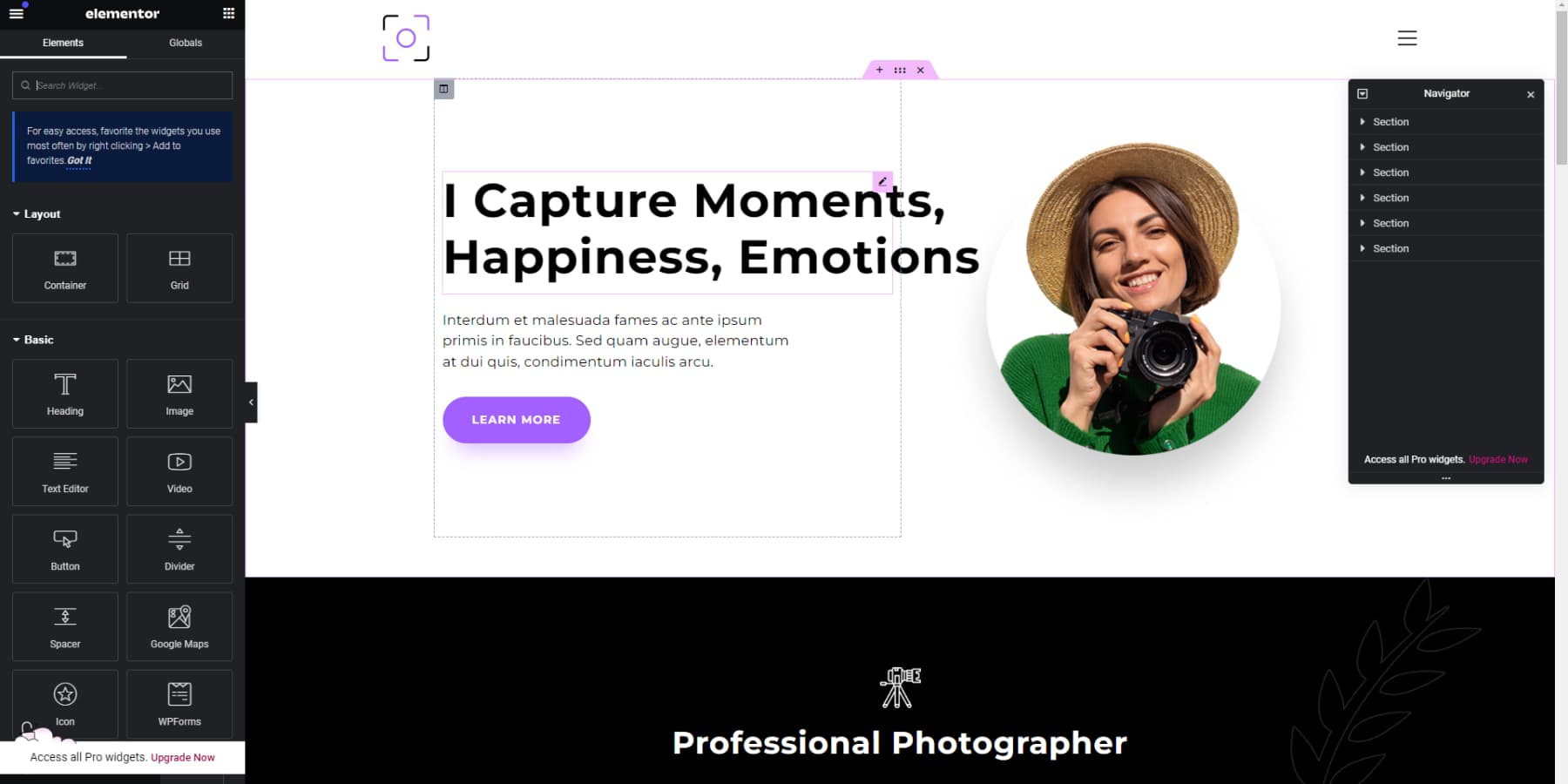
OceanWP leans on the WordPress Customizer rather than a visual builder, which feels a little dated next to Divi, Blocksy, or Kadence, but it makes up for it with an enormous library of importable demo sites and genuinely deep free-tier functionality.
What sets OceanWP apart from the others is that it doesn’t include a built-in header or footer builder. You’re either building those as block templates yourself or leaning on one of its companion plugins, which adds a step but keeps the core theme lighter.
What OceanWP Excels At
- RTL and translation support out of the box
- A large library of page-builder-friendly demo sites
- Deep customization inside the Customizer for typography, color, and headers
- Strong SEO plugin compatibility
Best For: Bloggers comfortable with the Customizer workflow (the old WordPress workflow) who want a lot of free-tier depth and don’t mind assembling header/footer control themselves.
Pricing: Free version available. Premium bundle previously started around $44 per year — needs a current check before this goes live.
6. Hello Elementor
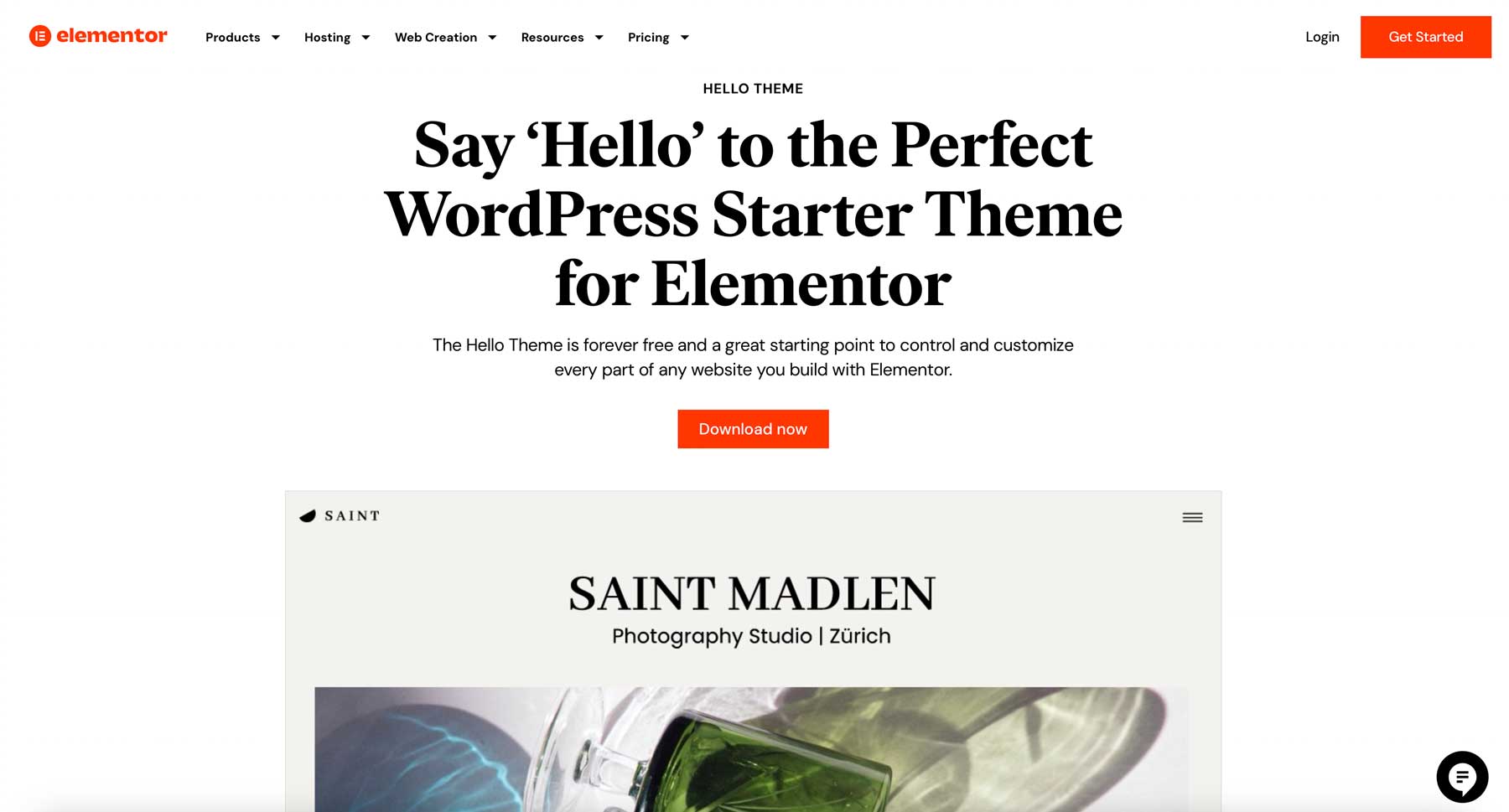
Hello Elementor is the theme to pick if you don’t want to think about your theme at all. It ships with almost no styling of its own and hands everything — header, footer, post templates — to the Elementor page builder. In that sense, it works a lot like Divi: theme and builder as one decision, not two.
The dependency is the whole point and the whole limitation at once. Without Elementor Pro layered on top, there’s very little here to recommend.
What Hello Elementor Excels At
- Minimal footprint, built purely for speed
- Zero redundant styling to fight with once a builder takes over
- The largest page-builder ecosystem in WordPress if you’re already committed to Elementor
Best For: Bloggers already using, or planning to use, Elementor as their page builder. Not a fit if you want the theme to do any of the design work itself.
Pricing: Free theme. Elementor Pro starts at $69 per year for one site, or $199 per year for 25 sites.
7. GeneratePress
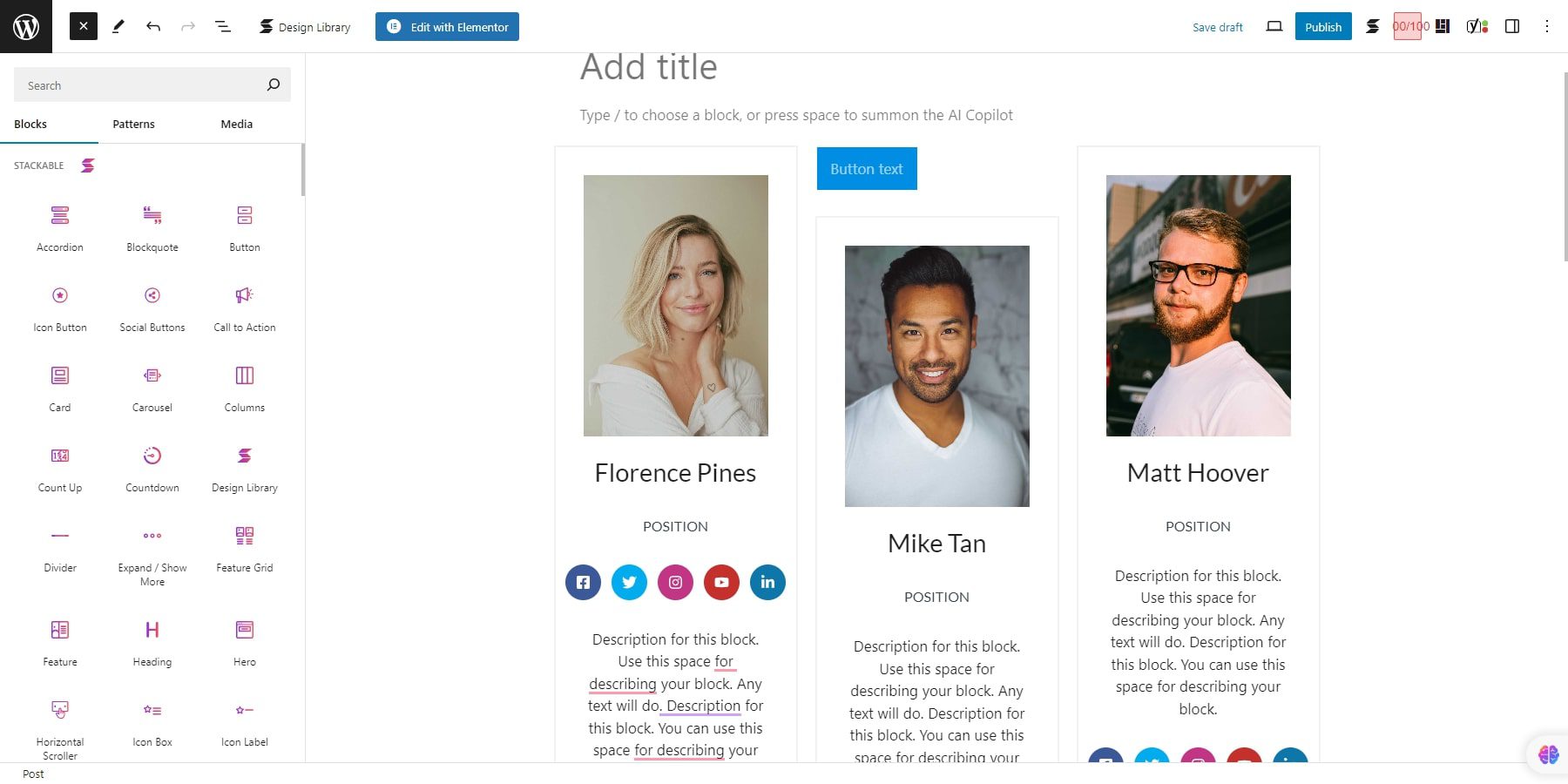
GeneratePress is the cleanest codebase in this list, full stop. The default look is plain on purpose — you’re meant to build on top of it with GenerateBlocks, its companion plugin, rather than expecting a finished design out of the box.
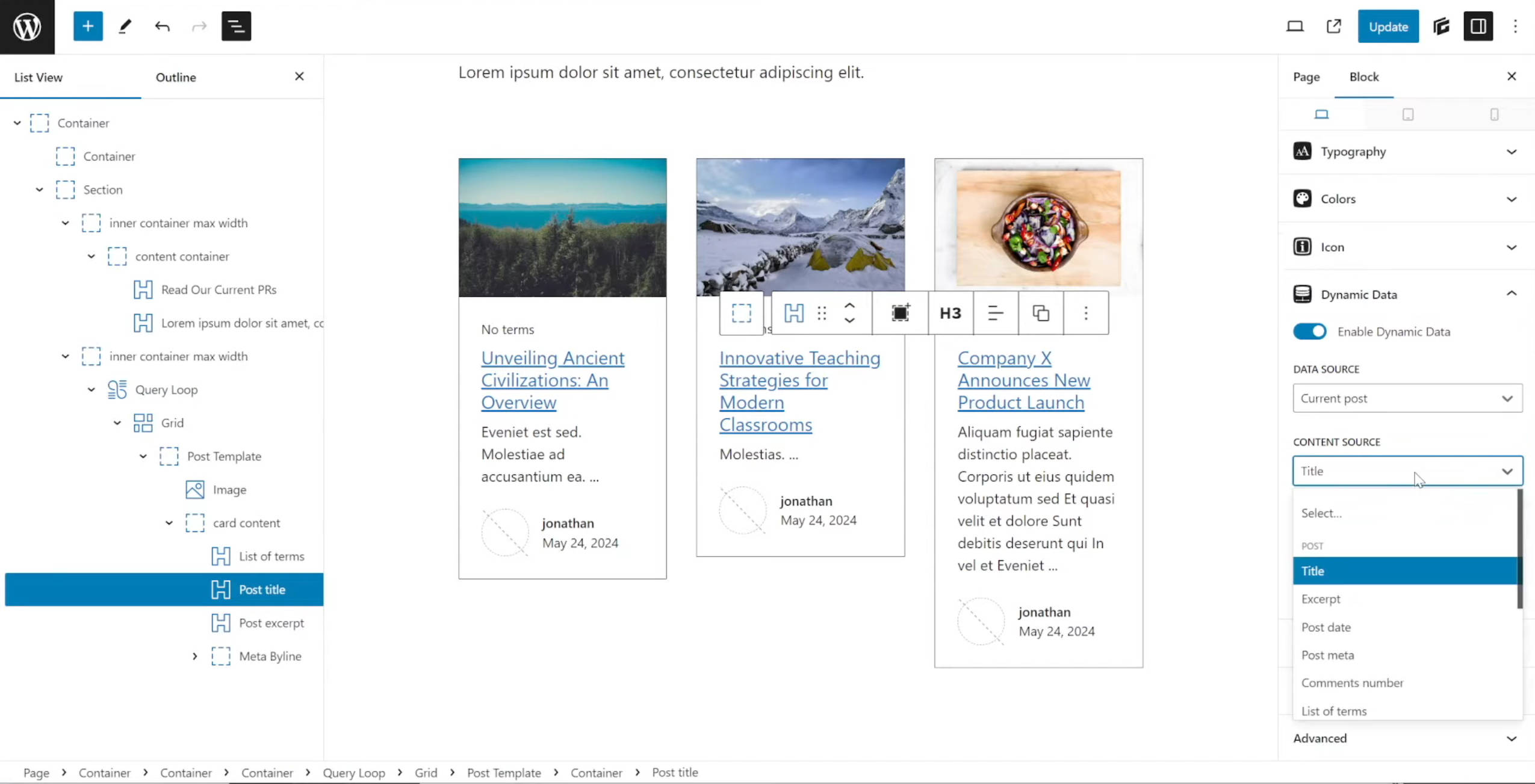
GenerateBlocks doesn’t try to replace the block editor the way a page builder does — it adds a small set of foundational blocks (Container, Grid, Query, Looper) on top of native Gutenberg blocks. The Query block is the one that matters for a blog: it pulls posts by type, category, or taxonomy and loops a card design you build once across every result, which is how you’d put together a custom archive, a related-posts block, or a filtered homepage feed without a page builder. Pair it with GeneratePress Premium’s Loop Template element and that same design applies automatically to real category and tag archives, not just a page you built by hand.
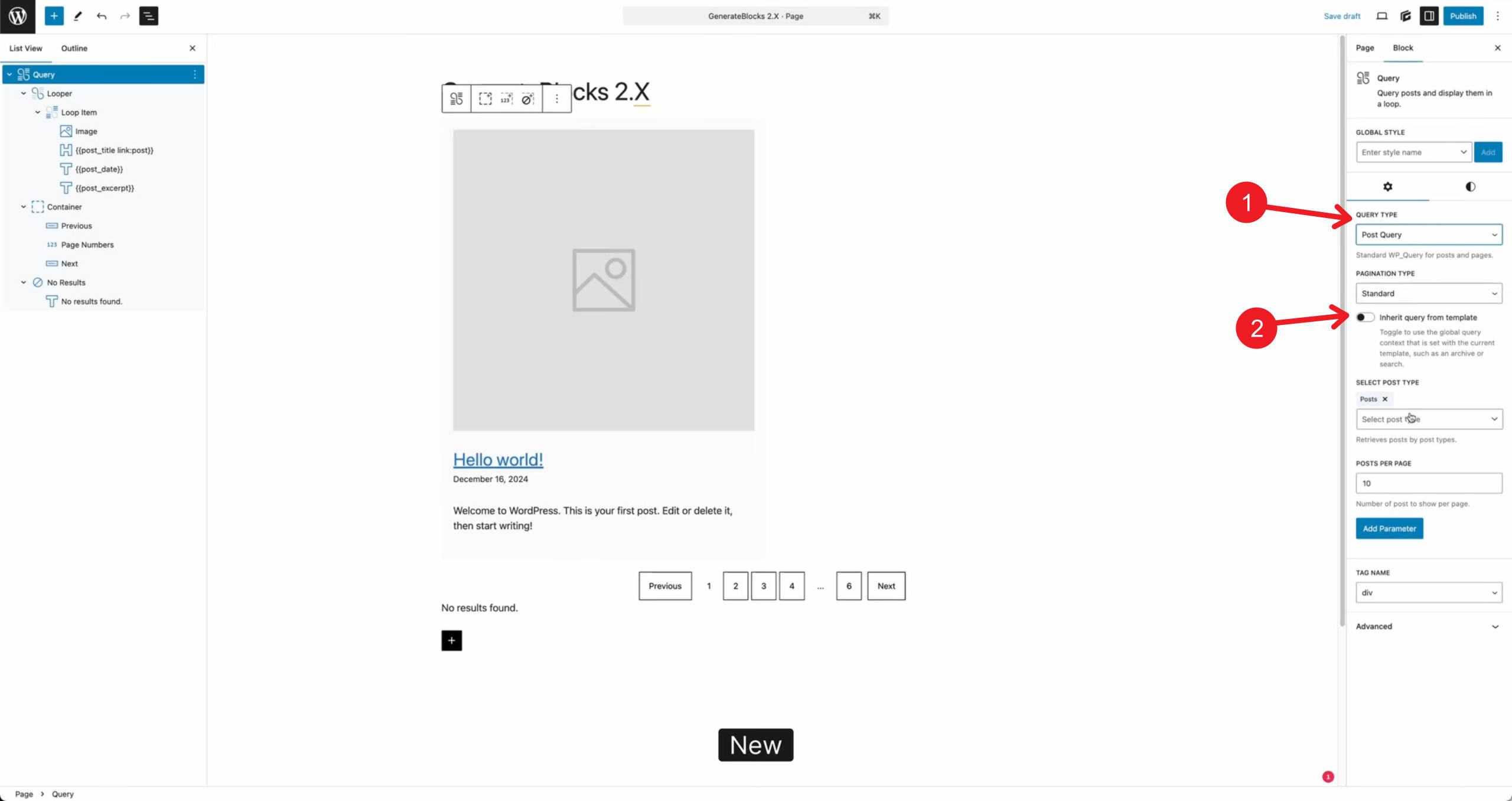
This is the honest trade-off against Divi: Loop Builder and the new Grid Editor give you that same dynamic-archive capability with more visual polish and less assembly required, at the cost of a heavier editor underneath it. GeneratePress asks you to build the equivalent yourself, block by block, and rewards that effort with the lightest possible front-end output of anything on this list. If raw speed is the only variable that matters to you, this is where the trade-off lands in your favor.
What GeneratePress Excels At
- The lightest, cleanest code output of any theme here
- GenerateBlocks’ Query and Looper blocks for building dynamic blog archives without a page builder
- WCAG 2.0 accessibility compliance by default
- Deep, granular customization once paired with GenerateBlocks
- Regularly updated, well-documented, developer-trusted
Best For: Bloggers who want maximum performance above everything else and don’t mind assembling the design themselves, block by block, instead of getting it handed to them.
Pricing: Free version available. Premium starts around $59 per year, with a lifetime option around $249.
Pricing Comparison
Price is often the deciding factor when building a blog. Blogs aren’t traditionally considered a cash cow, so every dollar spent needs to justify itself. It’s worth watching out for themes that look cheap up front but require a separate paid page builder to actually function. Once all the prices for themes + dependencies are calculated, that figure is what really counts here.
| # | Theme | Free Version | Starting Price | Site Limit (at lowest price) |
|---|---|---|---|---|
| 1 | Divi 5 | ❌ | $89/year (or $249 lifetime) | Unlimited |
| 2 | Kadence | ✔️ | $99/year (Essentials tier) | 3 sites |
| 3 | Astra | ✔️ | $69/year (Astra Pro, or $249 lifetime) | 1 site |
| 4 | Blocksy | ✔️ | $69/year (Personal tier) | 1 site |
| 5 | OceanWP | ✔️ | $44/year (or $176 lifetime) | 1 site |
| 6 | Hello Elementor | ✔️ (theme is free; Elementor Pro is the paid layer) | $59/year (Elementor Pro Essential) | 1 site |
| 7 | GeneratePress | ✔️ | $59/year | Per-site license (see note) |
Making Your Theme Decision
Every theme on this list will get an online blog. The differences show up six months in, once you’re past the setup phase and just trying to keep publishing without fighting your own site. Three questions actually separate these choices:
How much design control do you actually want? If the answer is “a lot,” Divi 5 is built for that from the ground up. If the answer is “enough to look decent, not much more,” Astra or GeneratePress will get there faster.
Are you willing to manage a second product? Astra, OceanWP, and Hello Elementor are all, in different ways, asking you to pair them with something else to get real design control. Divi, Kadence, and Blocksy fold that decision into the theme itself.
Who’s maintaining this a year from now? If it’s just you, pick the tool you’ll actually enjoy opening. If you might hand it off, favor those with a gentler learning curve.
Divi and Kadence are the two I keep coming back to for blog work specifically — Divi when the blog needs to stand out, Kadence when it needs to be fast to set up and easy to hand off. Test the shortlist that matches your priorities before committing to any of them.
Frequently Asked Questions (FAQs)
What's the best WordPress theme for bloggers?
What's the best free WordPress theme for bloggers?
How do I choose the right WordPress theme for my blog?
Do I need to know how to code to build a WordPress blog?
Is WordPress still a good platform for blogging in 2026?
For a broader look at WordPress themes outside of blogging specifically, see our best WordPress themes roundup.
The post 7 Best WordPress Themes for Bloggers in 2026 (Compared) appeared first on Elegant Themes Blog.